- Print and customize your photos directly from your smartphone devices via the Canon Mini Print App.(1)
- NO INK NEEDED! The IVY 2 Mini Photo Printer uses ZINK (Zero Ink) technology, which features colorful dye-based crystals embedded inside the paper.
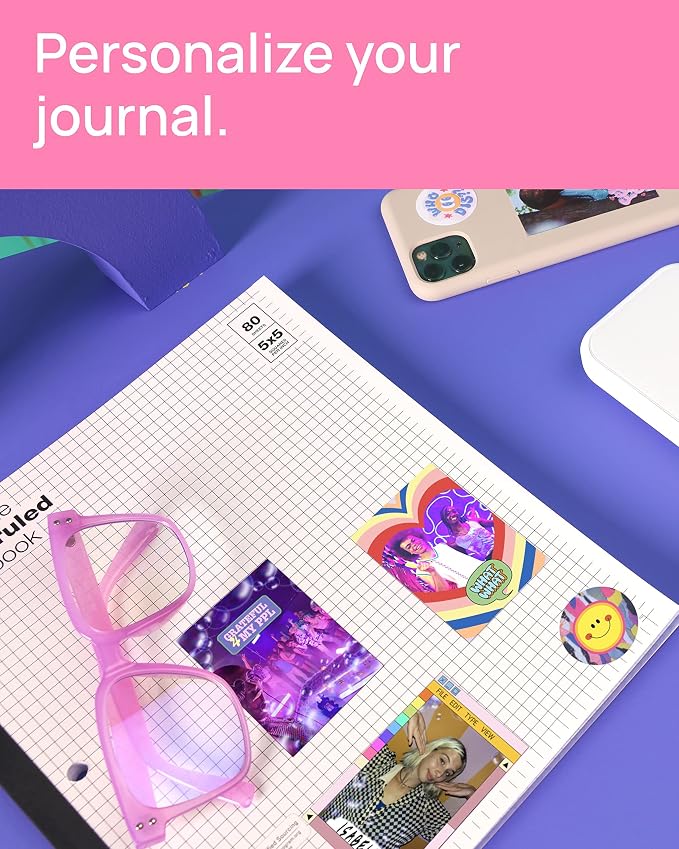
- Place your photos anywhere, thanks to a PEEL & STICK backing that adheres to your favorite surfaces.
- PRINT QUALITY IMPROVED in the IVY 2 Mini Photo Printer(optimized skin tone colors, improved photo contrast, optimized photo sharpness)
- BETTER CONNECTIVITY for mobile printing using compatible smartphone devices with Bluetooth 5.0 technology
From the manufacturer
IVY 2 Mini Photo Printer- Print. Peel. Stick.
Compatible Photo Papers
Photo Quality
Enjoy high-quality prints with improved contrast, sharpness & skin tone colors.
Bluetooth
Better connectivity for mobile printing using compatible smartphone devices with Bluetooth 5.0.
Charge Fast
Full charge in as little as 45 minutes.*
Sticky Back
Every print is a sticker. Each 2" x 3" photo has a peel-and-stick adhesive backing.
Enhance the look of your images with stickers, frames, text, emojis, and the drawing tool.
Canon Mini Print App lets you decorate with frames, stickers, text, emojis and more before printing!
Print your photos with a white border frame and/or choice of vivid or B&W filter!
Add fun stickers, effects, and create fun collages and print designs with Collage & Tile Print!
Download the Canon Mini Print App* to print photos using the IVY 2 Mini Photo Printer!
Charge your printer with the USB-C cord and wait for the light to change from red to green.
Open the back lid to place the blue SMART SHEET in first, followed by the Zink photo paper.
Connect the printer to your smartphone via Bluetooth. Then open the app* and add the new printer.
Showcase the memories that light up your life.